
Neptune Play Casino Login
Sign in now and enjoy seamless access to your Neptune Play Casino account instantly.
Neptune Play Casino Games






Full Game Catalog






Accessing your Neptune Play Casino account takes less than two minutes once you know how. You'll use the same login details whether it's your first visit or a return. Should any issue arise, the solutions below start with the simplest fix and end with contacting support.
How to Log In: Step-by-Step
There are three ways to register at Neptune Play Casino. Your chosen method determines what you type at login. The account operates in GBP, so your balance appears in pounds after you sign in.
| Registration Method | What You Enter at Login |
|---|---|
| E-mail + password | Your registered e-mail address and password |
| Phone number + SMS code | Your phone number, then the SMS code sent to it |
| One-click registration | The login details created during sign-up |
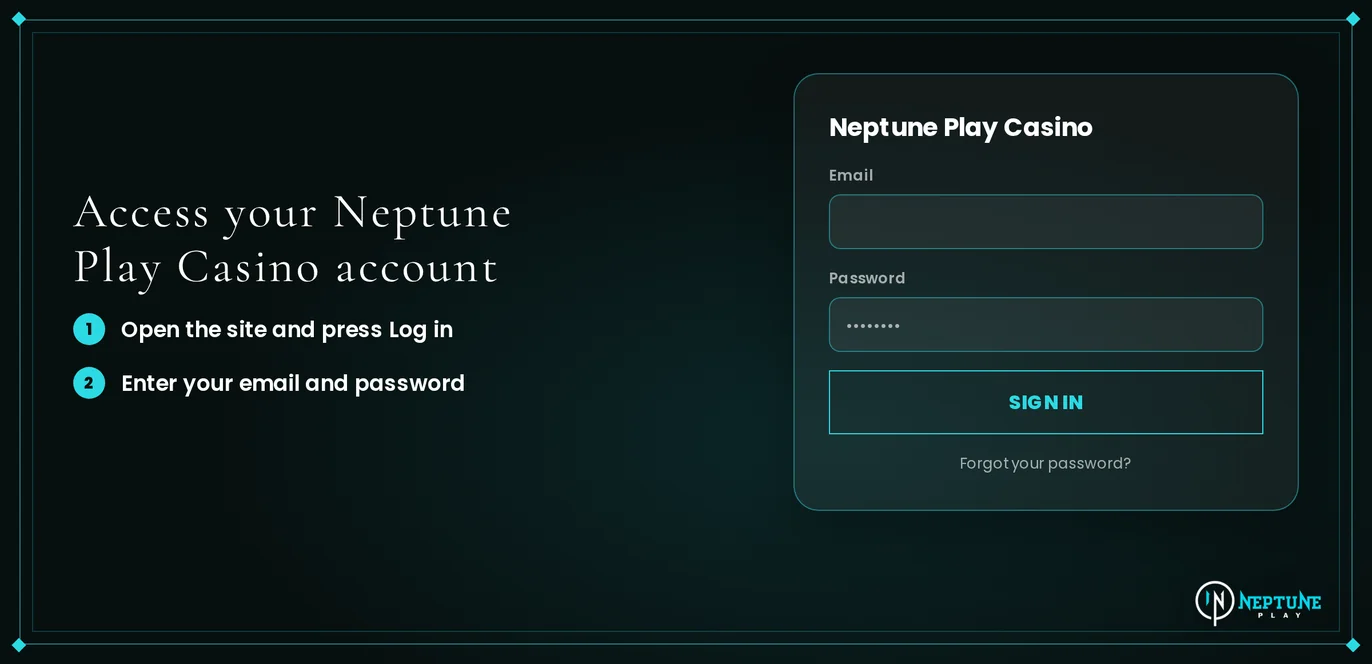
Load the Neptune Play Casino website in your browser.
Click the Log In button.
Type the information that corresponds to your registration method.
Finish the email verification if prompted by the site.
Click Log In to access your account.
Login Problems and Fixes
Most login failures come from a wrong password, old browser data, or an unverified email. Logging in requires your password and email confirmation, so ensure you can reach your registered inbox.
| Problem | Likely Cause | Quick Fix |
|---|---|---|
| Wrong password message | Typo, caps lock or an old saved password | Retype it by hand, then reset the password if it still fails |
| SMS code does not arrive | Weak signal or a wrong number | Wait a minute, request a new code, check the number |
| Confirmation e-mail missing | Message sent to spam or junk | Search your spam folder, then request a new e-mail |
| Login page reloads or freezes | Old cookies and cached files | Clear cookies and cache using the steps below |
| Account shows as locked | Repeated failed attempts or an active restriction | Reset your password, then open live chat |
| Verification pending | ID and proof of address not yet uploaded | Upload both files in My Account |
You can clear browser data to solve a stuck or reloading login page in under a minute.
- Go to your browser settings and locate the option to clear browsing data.
- Choose cookies and cached files, selecting 'all time'.
- Quit the browser fully and launch it again.
- Return to Neptune Play Casino and attempt to log in once more.
- If the problem persists, test a private browsing window or another browser.
How to Reset Your Password
You can reset your password yourself without support; the new password activates right away. If you registered with a phone number, you log in via an SMS code, so just request a new code instead.
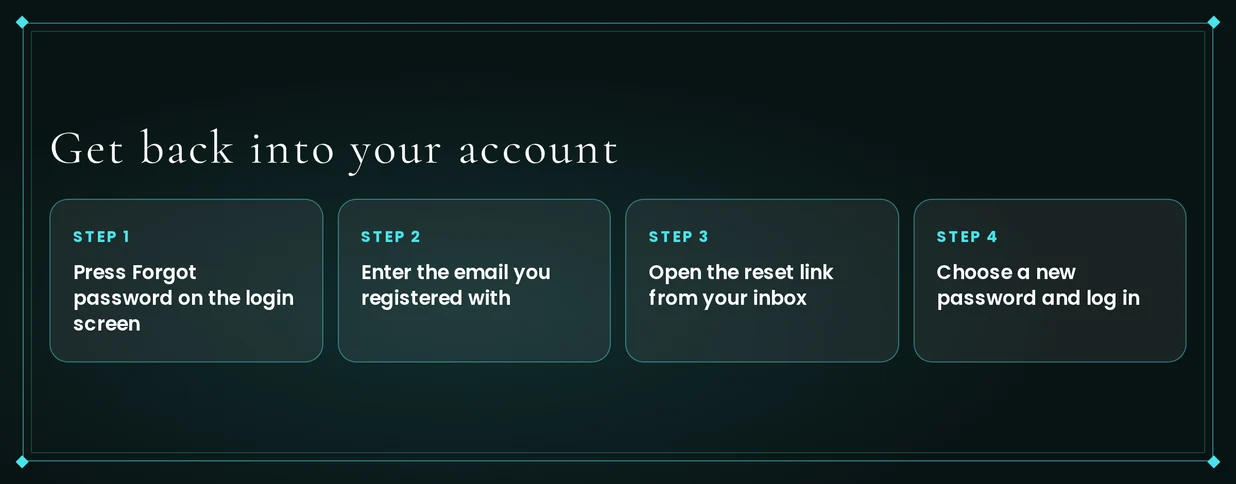
- Go to the login form and click the forgotten password link.
- Provide the email address linked to your account.
- Open the email from Neptune Play Casino and use the reset link inside.
- Enter your new password twice, then save it.
- Head back to the login page and sign in using the new password.
A strong password helps prevent the issue from recurring:
- Pick a password you haven't used anywhere else.
- Combine uppercase and lowercase letters, numbers, and symbols.
- Steer clear of names, birth dates, and sequences like 123456.
- Don't save it with autofill on a shared device.
Account Locked or Suspended
A lock after too many wrong passwords happens often, and a reset fixes it. A restricted account can also result from incomplete verification or from a time-out or self-exclusion you set.
| Situation | Who Acts | When Access Returns |
|---|---|---|
| Repeated failed sign-ins | You | Right after the password reset |
| Still locked after the reset | Support | After support reviews the account |
| Unfinished verification | You | Withdrawals open once your documents are approved |
| Active time-out or self-exclusion | You, through account restriction tools | When the period you chose ends |
To unlock an account:
- Reset your password right away.
- Sign in using the new password.
- If it's still locked, open live chat and provide your registered email or phone.
- Support will check your account and explain the reason and what to do next.
- Finish any document requests in My Account.
Self-exclusion and time-outs last for the full period you chose, so a failed login then is normal. If gambling feels harder to manage, contact GamCare - National Gambling Helpline 0808 8020 133 (gamcare.org.uk).
KYC Verification
Neptune Play Casino requires proof of address and photo ID before your first withdrawal. Upload both in My Account after logging in. Doing this early makes your first cash-out ready.
Required Documents
- Photo ID: passport or driving licence
- Proof of address: bank statement or utility bill with your name and address
- Log in and go to My Account.
- Provide a photo of your ID right now.
- Provide a document that proves your address right now.
- The verification team will now review both of your files.
- You can request your withdrawal after the review is finished.
Logging In on Mobile
Neptune Play Casino works on your phone browser. It is mobile-optimised for iPhone and Android. There is no app to download. You use the same login details as on a desktop.
- Use your phone's browser to open the Neptune Play Casino homepage.
- Press the Log In button.
- Type in your e-mail and password. You can also use your phone number and SMS code.
- Bookmark the page. This lets you return with just one tap.
Clear your browser cookies and cache from your phone settings if the page freezes. Then reload it.
Contact Support
Live chat and e-mail can solve any access issue. Support runs from 08:00 to 00:00 CET, which is 07:00 to 23:00 UK time.
| Channel | Hours | Language |
|---|---|---|
| Live chat | 08:00-00:00 CET | English |
| 08:00-00:00 CET | English |
Add this information to your first message for a quicker reply:
- Your e-mail address or phone number on file
- The full error message you see
- When you last tried to log in
FAQ
Neptune Play Casino is for players aged 18 and older. Gamble responsibly. Set deposit and spending limits that fit your budget. Use the time-out or self-exclusion features in your account if you need a pause.